
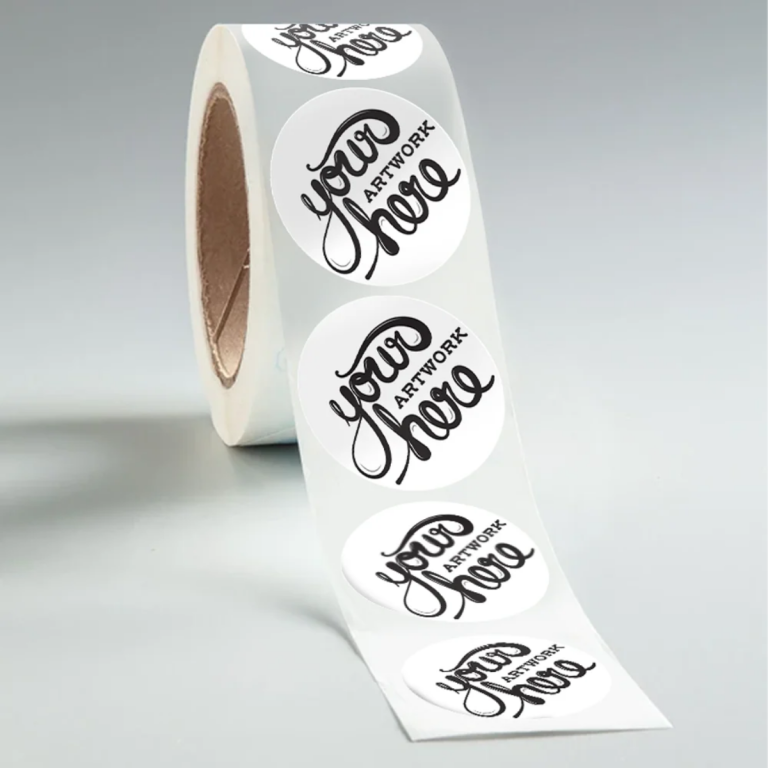
The Ultimate Guide to Designing and Printing Custom Round Sticker Labels
When it comes to high-quality custom packaging and branding solutions, Paper Round Labels and sticker labels are vital tools for businesses seeking to stand out. Whether you’re a small business owner or a large-scale manufacturer, custom round stickers can make your products visually appealing while establishing brand recognition. In this comprehensive guide, we’ll delve into everything you need to know about designing and printing customized round sticker labels using templates, professional tools, and expert tips.
Why Choose Custom Round Sticker Labels for Your Packaging Needs
Round sticker labels are among the most versatile and professional tools for custom packaging. From product packaging to promotional items, these labels can be tailored to fit your brand perfectly. Their circular design allows for seamless application on bottles, jars, containers, and other curved surfaces.
Using a Round Sticker Labels Template ensures precision and consistency in your designs, while offering a user-friendly way to experiment with different layouts and styles that suit your brand. Templates also eliminate guesswork, ensuring that every label looks professional and aesthetically pleasing once printed.
Designing Custom Round Stickers: Tools, Tips, and Templates
Designing your custom round sticker labels doesn’t have to be complicated, especially if you have the right resources. Here’s how you can make the process smooth and efficient.
1. Using a Paper Round Labels Template
A Custom Paper Round Labels template is instrumental whether you want to print labels for product branding or personal projects. These templates are designed to work seamlessly with standard printing equipment, ensuring no misalignment or distortion. Selecting templates that fit your printer and label sheet size is crucial for achieving your desired outcome.
2. Leverage Round Sticker Labels for Printer
For flawless results, ensure your printer is compatible with your label paper. Most templates, including Avery round labels and other options, are designed to align perfectly when used with home or commercial printers. Keeping printer settings optimized for cardstock or sticker paper can make a significant difference in print quality.
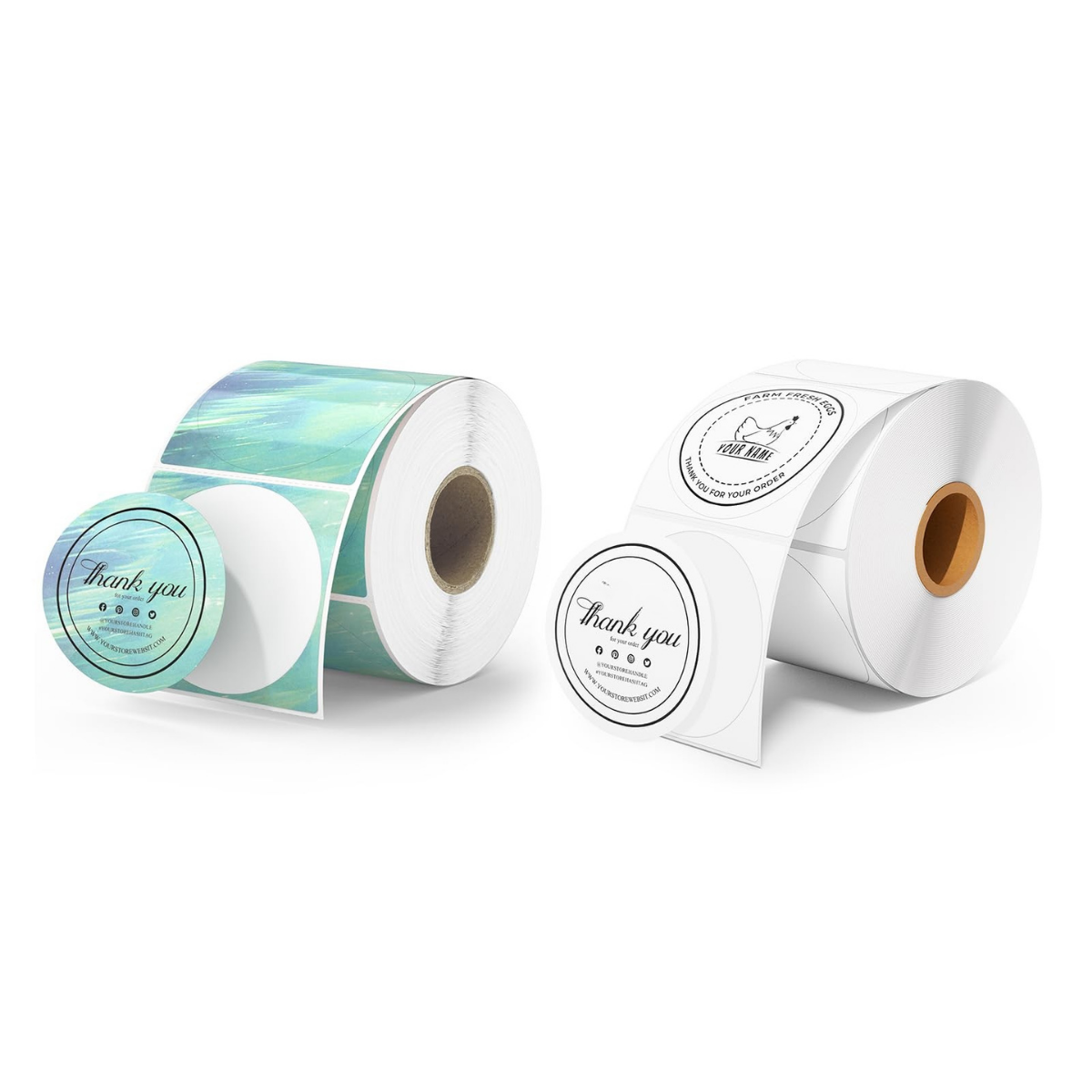
3. Exploring Avery Circle Labels Template
The Avery Circle Labels Template is one of the most popular tools for designing custom stickers. Avery provides templates in various sizes, including Avery round labels 2 inch, which is ideal for product packaging or branding items like candles, jars, or small containers. With user-friendly software like Avery Design & Print, you can create show-stopping designs effortlessly. Their drag-and-drop interface allows even beginners to create stunning labels.
Free Round Sticker Templates: Are They Worth It?
Many resources offer Round Sticker Template Free versions for download. While free templates are a great starting point, they may lack the level of customization and precision offered by premium or system-specific options like Avery’s templates. If you’re looking for high-quality, consistent results, investing in top-tier templates such as Avery circle labels template is a wise choice.
Step-by-Step Guide to Printing Round Sticker Labels
Printing your custom round sticker labels is as critical as designing them. Follow these steps to ensure a flawless outcome:
Step 1: Choose the Right Sticker Paper
Start with high-quality sticker paper that matches your intended use. For example, matte finishes are excellent for minimalist designs, while glossy papers are perfect for bold, vibrant labels.
Step 2: Use the Correct Template
Make sure you download the correct Avery round labels template for the specific size you’re using, such as Avery round labels 2 inch or a smaller variant like 1 inch.
Step 3: Align Your Printer Settings
Ensure your printer settings align with your paper size and type. Most printable labels require settings that suit heavier cardstock or label materials for optimal results.
Step 4: Test Print Your Design
Always do a test print on regular paper before running your sticker paper through the printer. This precaution minimizes wasted resources and identifies any alignment issues with your round sticker labels template.
Conclusion
Designing and printing high-quality round sticker labels is an opportunity to elevate your packaging and branding while showcasing professionalism. Whether you’re working with an Avery Round Labels 2 Inch template or exploring other applications, precision and creativity are key. Roll Stickers Co offers expert guidance and premium solutions to simplify your custom packaging journey. With the right tools and templates, your brand is set to leave a lasting impression on your customers.
